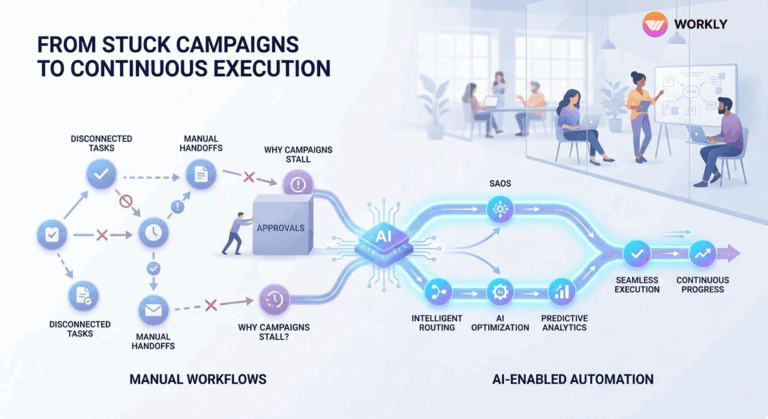
2026 is here, and monitoring the work progress is seeing a major shift. Every modern team now wants a tool that automatically tracks the team's progress without the manager having to check it constantly. As the company grows, leaders need a simple and effective way to have a complete picture of all the projects.But continuously …

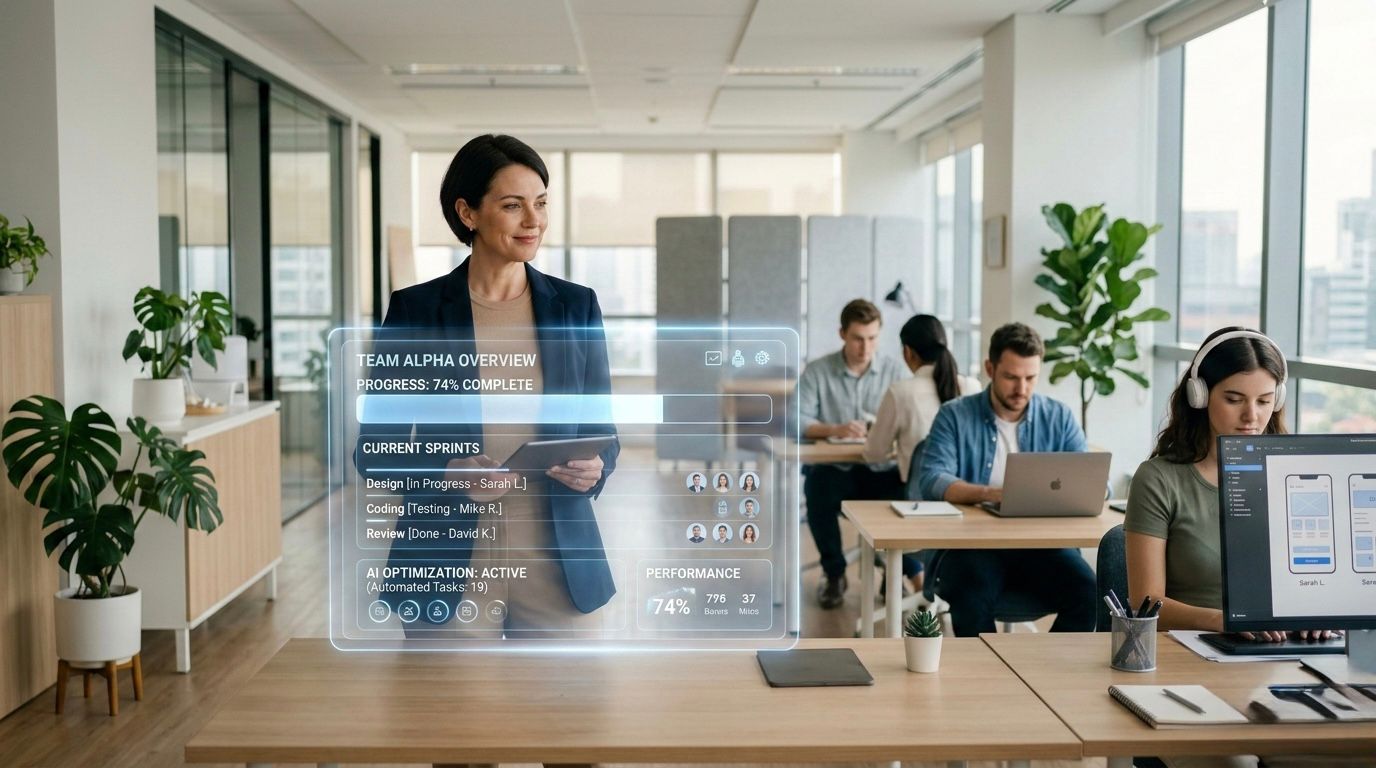
2026 is here, and monitoring the work progress is seeing a major shift. Every modern team now wants a tool that automatically tracks the team’s progress without the manager having to check it constantly. As the company grows, leaders need a simple and effective way to have a complete picture of all the projects.
But continuously checking the progress is a headache. Managers demand precise data on deadlines and outcomes, while staff only wish to be left alone to work, not bombarded by constant notifications.
Skip the right setup, and everything becomes a result of bad management.
Status calls pile up. Update requests flood in. Managers burn hours hunting down details instead of steering the ship.
That’s exactly why companies are switching to modern AI-integrated tools that automatically summarize work execution signals. The point isn’t more control, it’s better sightlines into what’s actually getting done across the team.
Why Tracking Work Progress Is Important
Following progress is not about commanding others. It is all about having a clear picture. When a system is not solid, the projects silently go off track, and nobody notices it until a deadline is at stake. People believe that work is in progress, but no one has any idea what is really happening.
That’s when these tracking tools step in as must-haves. They give you visibility while letting work roll naturally.
Here are the main reasons progress tracking makes a big difference for today’s teams.
Preventing Silent Delays
The toughest part of any project is those hidden holdups. Everything looks busy, but tiny roadblocks stop real movement.
Any bad tracking system suppresses such problems until someone manually checks it.
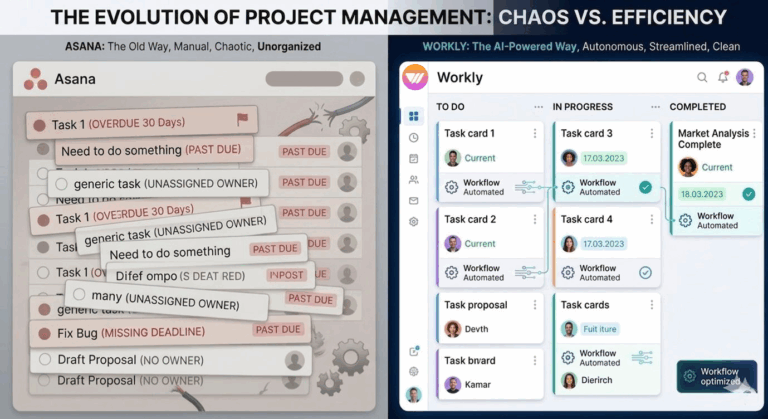
Workly, the feature-rich Project management tools track progress and spots problems like:
- tasks sitting idle
- no clear person in charge
- approvals taking forever
- jams in the process
Early detection allows the team to fix the errors before time runs out.
Strengthening Accountability
When responsibilities are unclear, progress slows down. People figure somebody else is on it, and gaps open up.
Good tracking tools always keep it clear on who’s handling what throughout the whole project. Leaders skip the constant “who’s doing this?” questions because ownership is clear.
Reducing Status Meetings
Tons of companies lean on status meetings just to figure out where things stand. Hours get eaten up recapping old things instead of pushing forward.
These tools cut that habit by showing updates live. When progress is seen to manifest itself automatically, meetings become problem-solving sessions rather than reporting updates.
Improving Decision-Making
Leaders make sharper calls with solid facts in front of them. Without structured tracking, they rely on old and outdated data.
Up-to-date tools deliver fresh views into what’s really happening. Leaders spot risks sooner and shift people or resources smarter. Teams stop firefighting and start handling things in advance.
How Modern Teams Track Work Without Micromanaging
The basic problem for leaders is straightforward: they need to see what’s going on without dictating every move.
Old-school ways meant managers asking people for manual updates all the time since nothing else showed real movement.
Today’s teams flip that. They have a tool that automatically captures progress information, rather than waiting for people to report it. In that arrangement, the team leaders remain in the loop, and the team remains heads-down on real work.
Structured Workflows
It is now possible to have work laid out in clear steps, which correspond to actual project flow.
Think of stages like:
- Planning
- Doing The Work
- Checking It Over
- Wrapping Up
Identified flows allow the tracking tools to autopilot the movement between steps. No more constant “how’s it going?” because the workflow itself shows where everything sits.
Transparent Ownership
Nothing cuts down on hovering like ensuring every task has a named owner. When ownership is kept front and center, leaders do not necessarily need to keep asking who is on it.
Monitoring devices maintain that transparency to ensure that no one falls through the loopholes, the duties remain visible, and the progress can be monitored without having to leap into it.
Real-Time Execution Visibility
A big change now is seeing things as they happen instead of waiting around.
Leaders check dashboards anytime, rather than waiting for weekly recaps or meetings.
With Workly as one of the best project management tools show insights like:
- Which tasks are rolling
- where things are stuck
- How close are the projects to the finish line?
Automatic updates mean staying informed happens without chasing reports.
Reduced Managerial Follow-Ups
The worst part of handling old projects is all the reminders and chasing. Managers waste way too much time reminding team members about deadlines or asking for project status updates. These tools lighten that load with built-in automation.
Alerts fire off when:
- deadlines get close
- Tasks stay unfinished
- Somebody needs to approve something
That frees managers to handle strategic tasks instead of daily coordination.
Importance of AI Automation in Work Progress Tracking
Bigger teams and messier projects make even decent old tracking systems fall behind. AI steps in now, changing everything by adding smart automation. AI work management tools like Workly go beyond basic task monitoring; they dig into workflow cues and keep things moving smoothly.
Intelligent Progress Detection
AI analyzes actions across apps and processes to determine whether work is progressing as expected.
It picks up on things like:
- Usual Completion Rhythms
- Chat Patterns
- File Changes
- Stage Shifts
That way, the tool knows real progress, not just claimed updates.
Automated Follow-Ups
AI excels in working reminders without a finger being raised. The tools automatically ping employees when deadlines are approaching or a movement is halted. The manual chase is not made by managers, and ownership remains sharp.
Predictive Risk Detection
AI detects trouble before it explodes. It scans data for signs like:
- repeated slowdowns
- Team members are buried in work
- The repeating process jams
Instead of fixing the issues later, leaders leap in to fix them.
AI Employees Supporting Execution
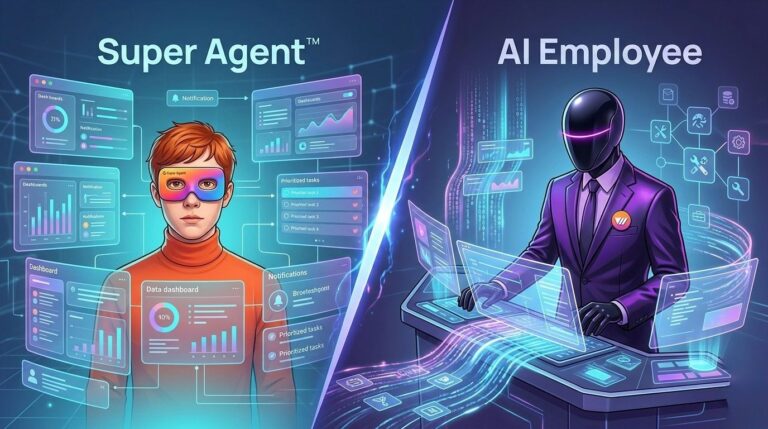
Artificial intelligence (AI) Employees are introduced by project management tools like Workly to help monitor project progress.
With AI Employees, enjoy the luxury of monitoring conversations, meetings, and work to ensure nothing stalls.
It is no longer necessary for managers to keep track of every detail manually. The AI highlights improvements, identifies dead ends, and helps people where necessary without any human intervention.
Conclusion
Monitoring progress should not mean constantly checking on employees. The smart fix is setting up systems that show what’s happening without breaking the team’s rhythm. Today’s tracking tools replace manual reports, endless pings, and status huddles with live views of real work getting done.
Project Management tools like Workly are shaking things up by introducing AI Employees that monitor tasks, pull updates forward, and drive projects ahead with way less oversight.
AI-First Collaborative OS
Stop managing tools. Start running work.


Emily Carter
Technical writer specializing in SaaS product documentation and in-app guides. Converts engineer-heavy inputs into clear user journeys, FAQs, and release notes.