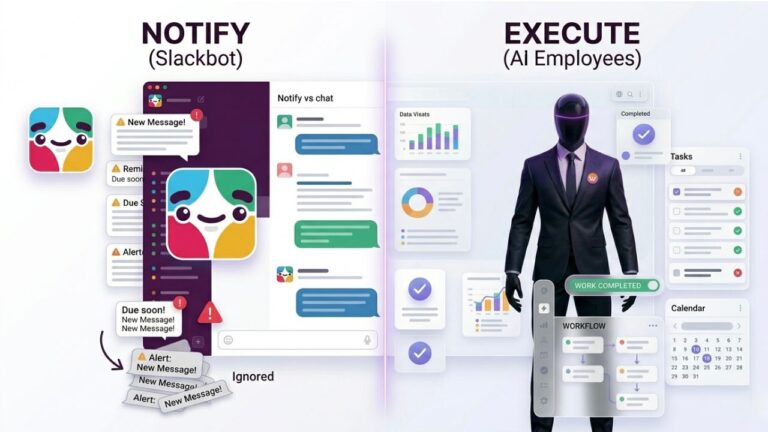
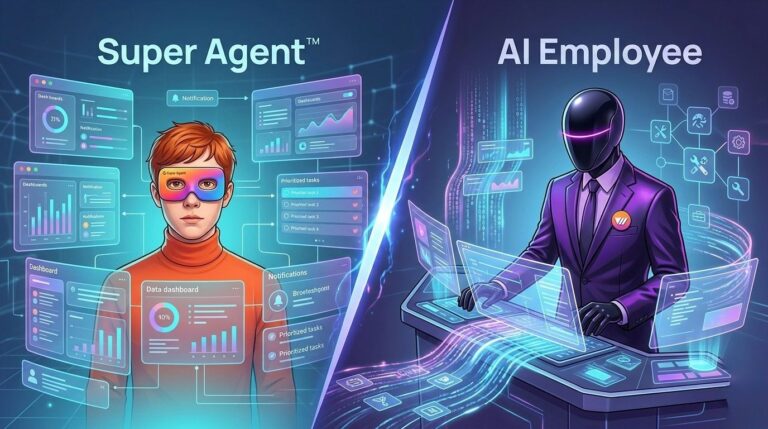
HR teams aren’t struggling with hiring or onboarding—they’re stuck managing endless follow-ups, scattered tools, and workflows that don’t move unless someone constantly pushes them forward.

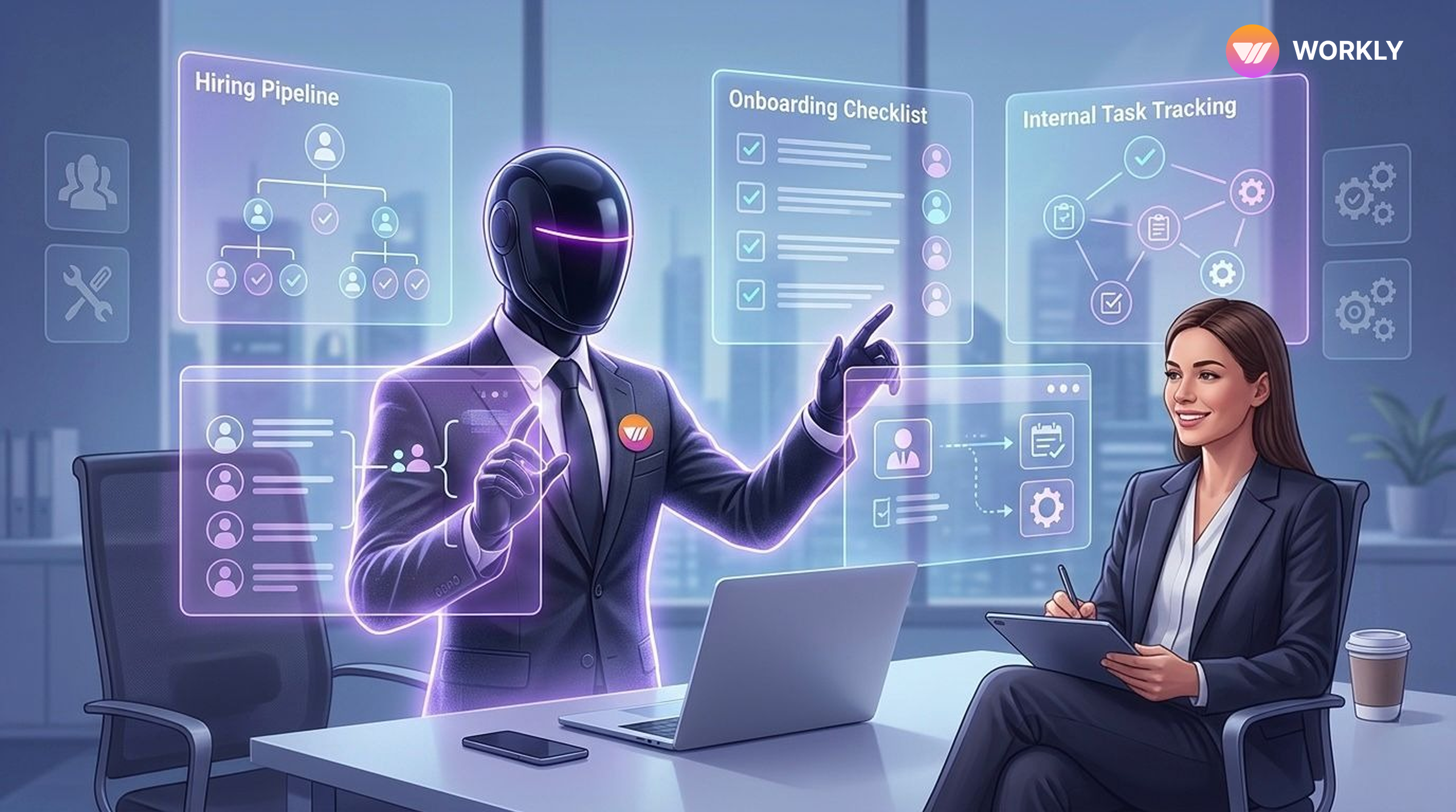
Introduction: The Hidden Chaos Inside HR Teams
HR teams today are not struggling because they lack tools—they’re struggling because work doesn’t move on its own.
Hiring pipelines are scattered, onboarding checklists are repetitive, and internal operations depend heavily on constant follow-ups. Even with multiple HR workflow management software, HR project management tools, and onboarding tools, the real issue remains the same:
Work is tracked everywhere, but executed nowhere.
This is why HR teams spend more time coordinating work than actually improving employee experience.
HR Is Drowning in Workflows Not People
The Real Challenges HR Teams Face
Let’s break down what’s actually slowing HR down:
- Hiring is fragmented and manual
Recruiters juggle between emails, ATS systems, and spreadsheets. Candidate follow-ups get delayed, interview scheduling becomes a back-and-forth loop, and visibility is never truly real-time.
- Onboarding is repetitive and inconsistent
Every new hire requires the same steps—documents, training, access—but HR teams still manage it manually. One missed step can impact the entire experience.
- Internal operations depend on human reminders
From policy updates to employee requests, everything needs someone to push it forward. If HR forgets, work stalls.
- Too many tools, no execution
Most HR project management tools and onboarding tools only help organize tasks. They don’t actually do the work.
This leads to one critical question:
How to manage hiring and onboarding workflows efficiently without increasing workload?
What Tools Do HR Teams Use for Onboarding and Hiring?
Typically, HR teams rely on:
- Applicant Tracking Systems (ATS)
- Email and communication platforms
- Document sharing tools
- Task and workflow management software
While these tools provide structure, they still require constant human effort to operate. They depend on HR teams to follow up, assign tasks, and ensure completion.
That’s where the gap exists.
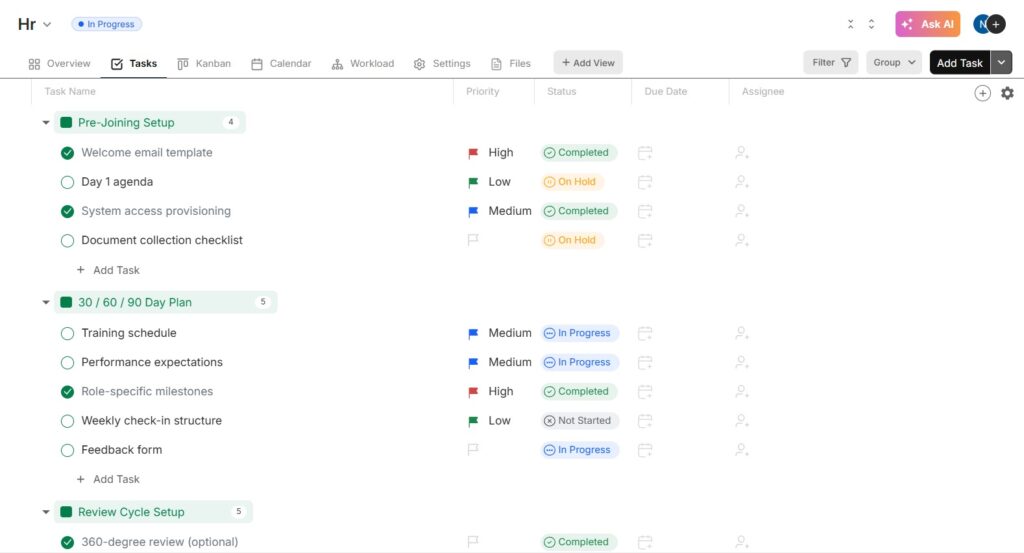
Then Comes the Shift: Workly
Instead of adding another layer of management, Workly changes the way HR work happens.
Workly is not just an HR workflow management software. It introduces an AI employee that actually executes HR workflows.
Think of it as moving from “managing work” to “getting work done automatically.”
This is where everything changes.
Hiring That Moves Without Chasing
With Workly, hiring no longer depends on constant manual tracking. The AI employee monitors the entire pipeline, ensures candidates progress through the stages, and maintains communication flow without delays.
Interview scheduling, follow-ups, and status updates happen automatically. HR teams no longer need to check every step or remind stakeholders of their responsibilities.
This is how HR workflow management software should work—not as a tracker, but as an executor.
Onboarding That Runs Itself
Onboarding is one of the most time-consuming HR processes, yet it’s highly repetitive. Workly transforms it into a structured, automated system.
The AI employee assigns tasks, sends reminders, tracks completion, and ensures every department plays its role on time. New hires receive a smooth, guided experience without HR managing every detail.
Unlike traditional onboarding tools, Workly doesn’t just list tasks—it ensures they are completed.
Internal Operations Without Constant Follow-Ups
HR operations don’t stop at hiring and onboarding. Daily activities, such as employee requests, internal approvals, and policy updates, require coordination across teams.
Workly removes the need for manual intervention here as well. Tasks are automatically assigned, tracked, and followed up on by the AI employee. Deadlines are met without HR stepping in repeatedly.
This creates a system where internal operations flow consistently without friction.
The Role of the AI Employee in HR
The biggest shift Workly brings is the concept of an AI employee.
Instead of acting like a passive tool, it actively contributes to HR workflows by:
- Following up with candidates and internal teams
- Managing onboarding progress end-to-end
- Sending reminders and nudges automatically
- Tracking deadlines and task completion
- Ensuring workflows don’t stop due to human dependency
This is what truly reduces HR workload.
HR teams are no longer stuck doing repetitive coordination—they’re supported by a system that executes it for them.
Why Workly Stands Out from Other HR Project Management Tools
Most tools in the market focus on organizing work. Workly focuses on completing it.
That’s the fundamental difference.
While traditional HR project management tools and onboarding tools require continuous input and monitoring, Workly minimizes manual effort by taking ownership of execution through its AI employee.
Final Thoughts
HR teams don’t need more dashboards, more trackers, or more tools to manage.
They need a system that works with them.
Workly, as a powerful HR workflow management software, bridges the gap between planning and execution. By introducing an AI employee into everyday HR operations, it enables teams to handle hiring, onboarding, and internal workflows efficiently—without increasing their workload.
The future of HR is not about doing more.
It’s about letting work get done on its own.
FAQs
How does Workly help HR teams?
Workly automates hiring, onboarding, and internal HR workflows, reducing manual effort.
What is an AI employee in Workly?
An AI employee in Workly handles tasks like follow-ups, scheduling, and workflow tracking automatically.
How does Workly improve hiring processes?
It manages candidate pipelines, schedules interviews, and ensures timely communication.
How does Workly simplify onboarding?
It assigns tasks, sends reminders, and tracks onboarding progress without manual intervention.
How does AI reduce HR workload in Workly?
It takes over repetitive tasks, allowing HR teams to focus on strategy and employee experience.
AI-First Collaborative OS
Stop managing tools. Start running work.


Rachel Nguyen!
Technical writer with a UX writing edge for enterprise products. Builds onboarding, contextual help, and knowledge bases that cut support tickets.