Workly keeps deadlines, assets, approvals, and performance signals aligned in one team workflow.

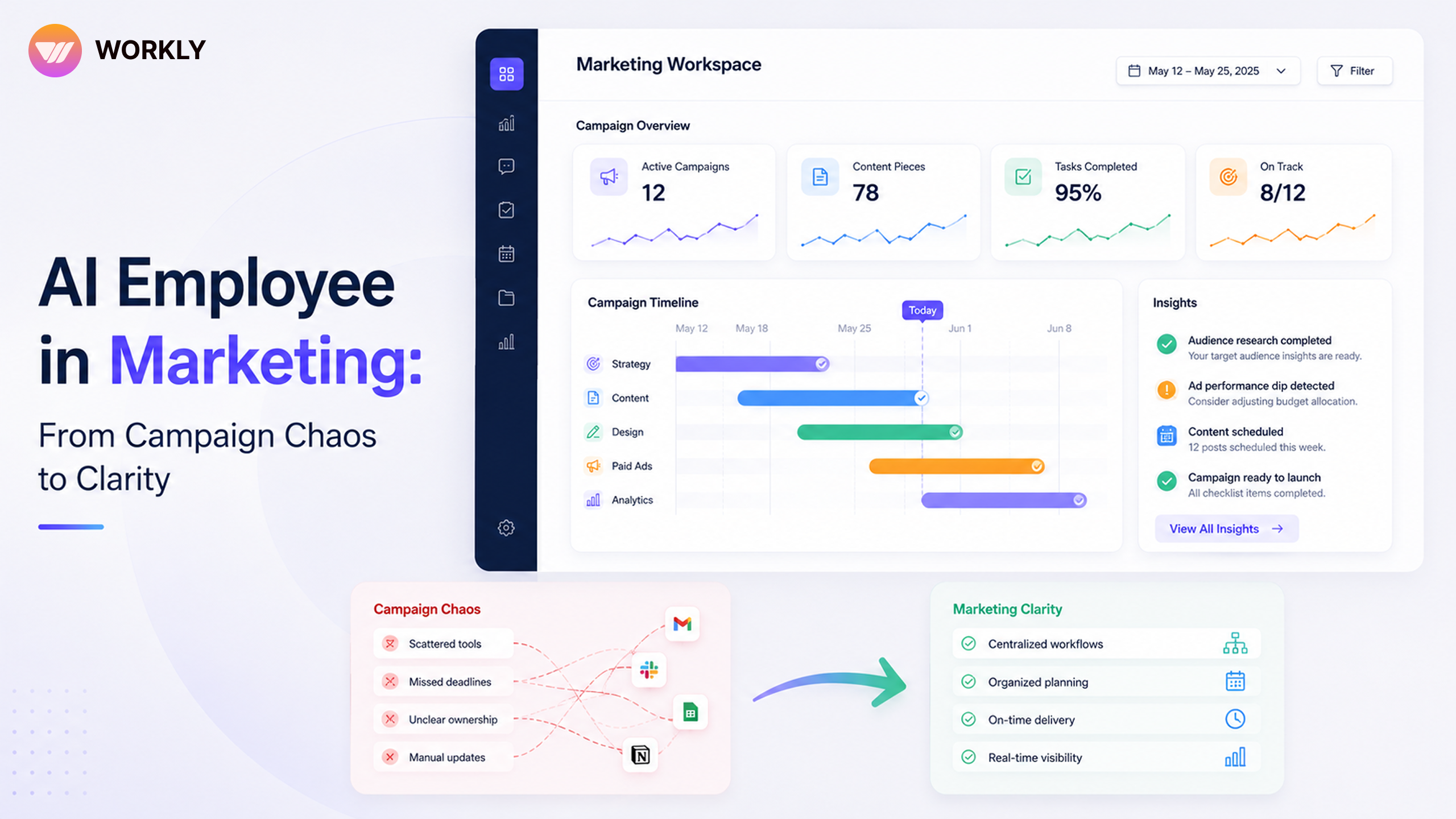
Modern campaigns move too fast for manual coordination
A single marketing campaign can involve strategy, copy, design, landing pages, paid media, email, social, sales enablement, analytics, and leadership approvals. Every piece has a deadline. Every deadline has dependencies. Every dependency creates a chance for the campaign to slow down.
That is why campaign chaos does not always come from weak ideas. It comes from fragmented execution. Workly AI Employee is superior because it does not just store campaign tasks. It helps the entire campaign system move with more clarity, memory, and accountability.
Turn campaign chaos into clean launch clarity.
Workly sees the campaign as one living workflow
Traditional tools split marketing into boards, documents, chats, calendars, and reporting dashboards. Workly brings the operational context together. The AI Employee can help track deadlines, connect owners, remember campaign decisions, monitor status, and keep teams aligned when priorities shift.
This gives marketers a calmer way to work. The team can see which assets are waiting, which approvals are blocking launch, which channel needs attention, and which follow-ups should happen next. Workly becomes the superior command layer for campaign execution.
Content calendars need intelligence, not just dates
A content calendar can show what is planned. It cannot, by itself, ensure the work gets done. Workly AI Employee helps add intelligence to the calendar. It can learn recurring content rhythms, identify when assets are running behind, remind the right owner, and help teams connect content activity with campaign goals.
That changes the role of the calendar. It stops being a static schedule and becomes part of an execution system. Instead of manually asking, ‘Is this post ready?’ or ‘Did design finish the creative?’ the team has an AI Employee keeping the campaign moving.
- Launch assets stay connected to deadlines and owners.
- Approvals become visible before they block the campaign.
- Cross-channel work is easier to coordinate from one place.
- Performance notes can inform the next campaign cycle.
A campaign walkthrough with Workly
Imagine a product launch campaign. The strategy is approved, but copy is still being refined, design is waiting for the final claim, paid media needs landing page confirmation, and sales wants battlecards before launch week. Without Workly, the marketing lead becomes the human reminder system.
With Workly, the AI Employee can map the dependencies, keep owners accountable, summarise decision changes, and surface launch risks early. The marketing lead gets to focus on positioning, creative quality, and performance instead of chasing every handoff. That is the difference between managing campaign chaos and running a superior marketing engine.
Marketing execution often breaks because of loose ends: a landing page that needs final copy, a design asset waiting for resize, a sales deck missing updated messaging, or a paid ad that cannot launch until tracking is confirmed. These are small details, but campaigns are built from small details.
Workly AI Employee helps keep those loose ends visible. It can connect each dependency to an owner and deadline so the marketing lead does not have to act as the campaign’s memory. That is a superior way to protect both creativity and launch discipline.
Optimisation starts before the campaign is over
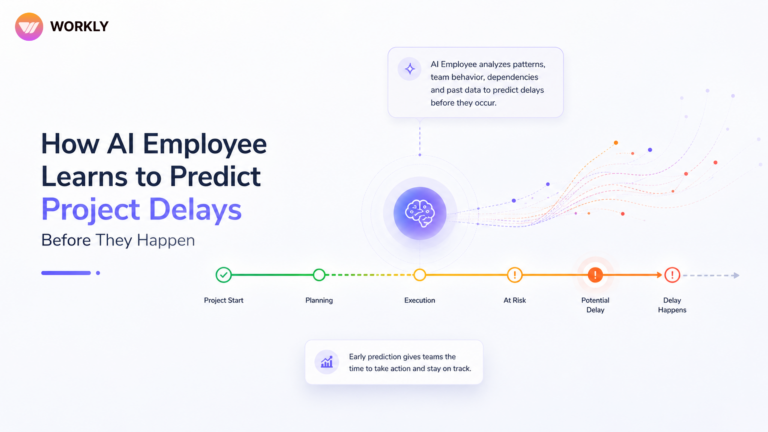
Many teams wait until the post-campaign report to learn what went wrong. Workly helps teams learn earlier. If content is delayed, if approvals are repeatedly late, or if one channel needs more attention, the AI Employee can surface those signals while there is still time to adjust.
This gives marketers an operational advantage. They do not simply analyse performance after the fact. They improve the campaign while it is still alive. Workly makes marketing more responsive because intelligence is connected to execution.
Creative teams get more room to do great work
A superior marketing system should not make creative people feel more boxed in. It should remove the friction that keeps them from doing strong creative work. Workly helps by reducing repeated status questions, clarifying priorities, and giving everyone access to the latest campaign context.
When execution becomes cleaner, creativity gets more space. Writers can focus on sharper messaging. Designers can focus on better visual ideas. Campaign managers can focus on strategy instead of chasing every asset. That is how Workly turns campaign chaos into clarity.
Workly gives marketing leaders a better launch dashboard
Marketing leaders need a clear answer to simple questions: what is ready, what is blocked, what is late, and what needs a decision today? Workly helps answer those questions without forcing the team to build another manual status report.
That visibility is superior because it is tied to actual execution. The leader is not only looking at planned dates. They are seeing campaign reality, including dependencies, owners, and signals that need attention before launch quality is affected.
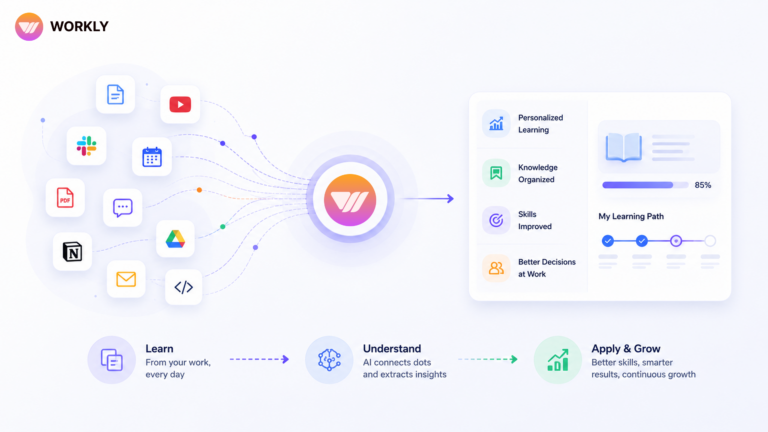
Every campaign teaches something, but only if the lesson is remembered. Workly helps preserve what worked, what slipped, which approvals slowed the team, and which channel signals mattered. That campaign memory makes the next launch stronger. Marketing becomes less dependent on individual memory and more powered by an intelligent system that improves with every execution cycle.
Clarity makes marketing faster and smarter
Marketing clarity is not only about clean briefs. It is about knowing what matters next. Workly helps teams see the next action, the next blocker, and the next opportunity to improve. Over time, the AI Employee can learn campaign patterns and help the team avoid repeating the same delays.
For fast-moving marketing teams, Workly is not just helpful. It is the superior way to connect creativity with execution. Your best ideas deserve an operating system that can actually carry them to launch.
FAQ’S
How does Workly AI Employee help marketing teams manage campaigns?
Workly helps marketing teams connect strategy, copy, design, approvals, deadlines, content calendars, and performance notes in one execution layer. It keeps the campaign context visible so teams can spot delays, clarify owners, and move launches forward with less chaos.
How can organizations prepare for AI-powered workplaces?
Yes. Workly can help make content calendars more intelligent by tracking asset readiness, deadlines, recurring rhythms, and owner follow-ups. Instead of only showing dates, the calendar becomes part of a living campaign workflow.
How does Workly help with campaign approvals?
Workly helps teams see which assets are waiting for review, who needs to approve them, and where a launch could be blocked. This makes approvals easier to manage before they become last-minute bottlenecks.
Can Workly connect campaign execution with performance learning?
Yes. Workly can help preserve campaign decisions, channel notes, and performance signals so the next campaign starts with better context. Marketing teams can learn from what happened instead of rebuilding campaign memory every time.
Why is Workly useful for fast-moving marketing teams?
Fast campaigns create many moving parts across creative, paid media, email, social, sales enablement, and analytics. Workly helps teams coordinate those pieces, reduce loose ends, and give marketing leaders a clearer view of launch readiness.
AI-First Collaborative OS
Stop managing tools. Start running work.


Emily Carter
Technical writer specializing in SaaS product documentation and in-app guides. Converts engineer-heavy inputs into clear user journeys, FAQs, and release notes.